QR Codes, Explained — What They Are and How to Use Them
8 September 2025 by Luis Salas
Have you ever been handed a menu or bill and told, “Just scan the QR code”? It’s easy to feel left out or frustrated, especially if no one explains how it works.
The good news? QR codes are actually simple once you know the basics.
1. What Is a QR Code?
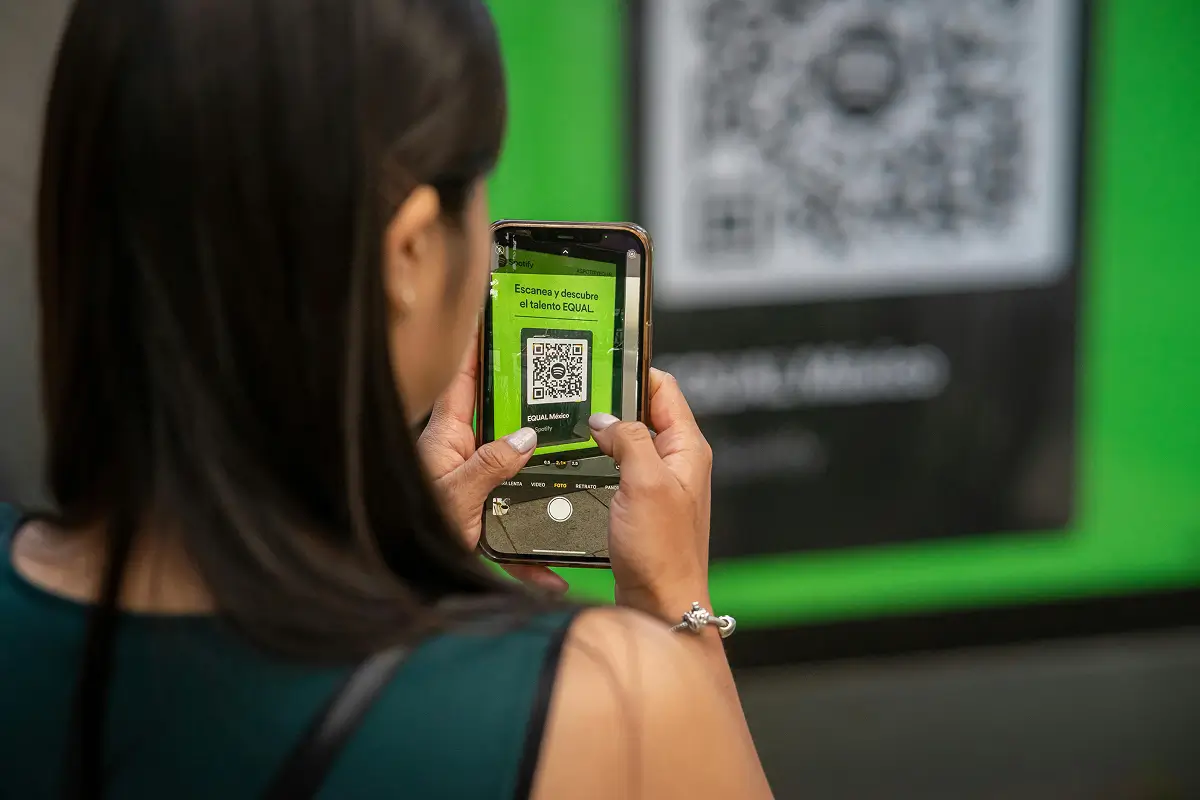
A QR code (short for Quick Response code) is a type of square barcode. When you scan it with your phone’s camera, it quickly takes you to a website, form, or document, without typing anything.
📦 Think of it like a shortcut to information.
2. How to Scan a QR Code
On most smartphones, it’s built in:
- Step 1: Open your Camera app (like you’re about to take a photo)
- Step 2: Point the camera at the QR code, no need to press a button
- Step 3: A link will pop up. Tap it to open the page
💡 If it doesn’t work, search your app store for a free QR scanner app.
3. Where You Might See Them
QR codes are used in:
- Restaurant menus
- Event tickets
- Wi-Fi login cards
- Healthcare check-in forms
- Online payments or donation pages
They save time and reduce paper, especially useful in public places.
4. Stay Safe When Using QR Codes
- Only scan QR codes from trusted sources (like your doctor’s office or a known business)
- Always double check the link before tapping. Does it look legitimate?
- Avoid codes left in public (like on flyers or random posters). They could lead to scam sites
Final Thought
QR codes are meant to make life easier, not more confusing. Once you’ve scanned one or two, you’ll see how helpful they can be.
Not every code is genuine, so it is worth reading our tips for staying safe online before you scan one in the street.
📬 Want more easy tech tips like this? Subscribe to Una updates or visit our Digital Skills section for guides made just for you.



Get More Guides Like This
Sign up to receive helpful guides and tips delivered to your inbox.
We'll send you helpful content, never spam.