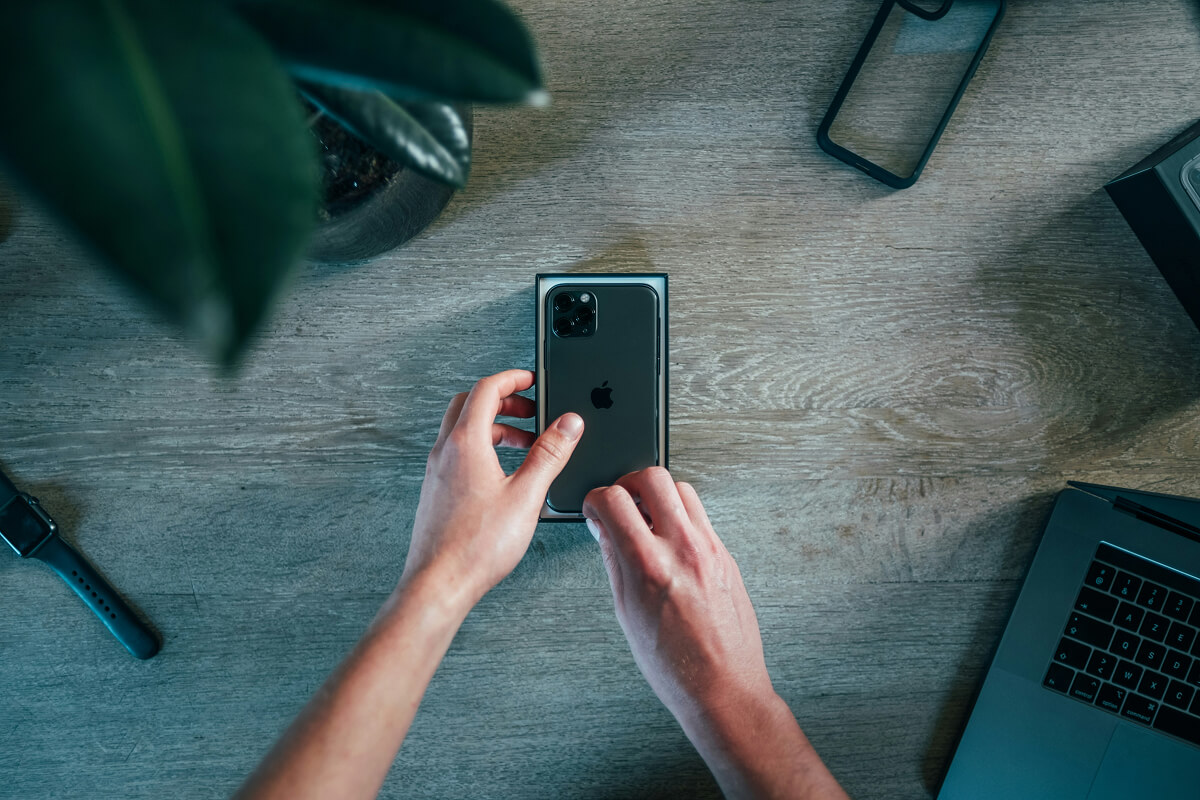
Mastering Your New Smartphone: A Step-by-Step Guide
9 June 2025 by Luis Salas
Step 1: Get to Know the Basics
Power On/Off
Press and hold the power button (usually on the side) to turn your phone on or off.
Touchscreen Tips
- Tap: Like clicking a mouse. It selects items.
- Swipe: Move between screens or scroll.
- Pinch: Zoom in or out on photos or text.
Home Screen
This is your phone’s “main page.” From here, you can access apps like Messages, Camera, and Settings.
Step 2: Set Up Wi-Fi & Internet
- Go to Settings > Wi-Fi
- Choose your home network
- Enter the password
This keeps you connected and helps avoid data charges.
Step 3: Install & Use Essential Apps
- Phone: Make and receive calls
- Messages: Send text messages
- Camera: Capture photos and videos
- Contacts: Store phone numbers
- Email: Stay in touch with work, services, or loved ones
- App Store / Google Play: Download new apps (like WhatsApp, Zoom, or Facebook)
Need help installing apps? Check out our Connecting with Loved Ones Online guide next.
Step 4: Adjust to Your Comfort
- Font Size: Make text easier to read:Settings > Display > Font Size
- Brightness: Reduce eye strainSettings > Display > Brightness
- Volume & Vibration: Customize sound alertsSettings > Sound
Step 5: Practice Makes Comfortable
Use it every day, even just for 10 minutes. Try taking a photo, browsing the news, or texting a friend. With each tap, you’ll get more confident.
Final Tip: Ask for Help
Your kids, grandkids, or even a neighbour may love showing you how things work, and we’re always here with new guides designed just for you.
Next Step:
Try our follow-up guide: Staying Safe Online.
Once the basics feel comfortable, our pick of the best apps for over-60s covers what is actually worth installing. When the basics feel easy, organising your phone is the next thing worth half an hour.



Get More Guides Like This
Sign up to receive helpful guides and tips delivered to your inbox.
We'll send you helpful content, never spam.